Component
DualView
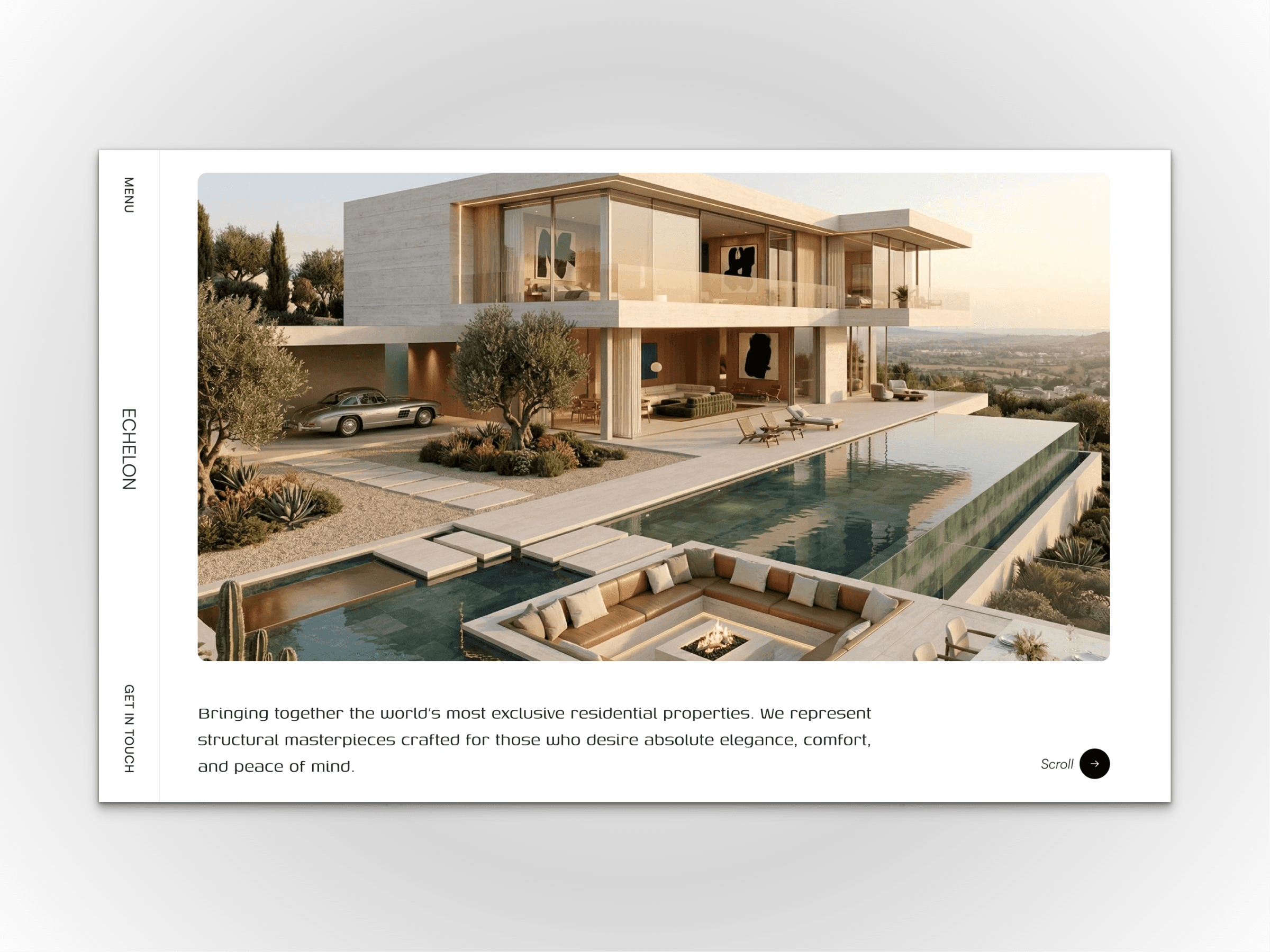
A high-end, dual-layout gallery featuring expanding image interactions, synchronized typography, and a seamless desktop-to-mobile responsive architecture.
About this Component
DualView is a premium showcase component designed for brands that need to tell a story alongside their visuals. I originally engineered this for a high-end luxury project, building it to deliver a sophisticated, magazine-like reading experience on the web.
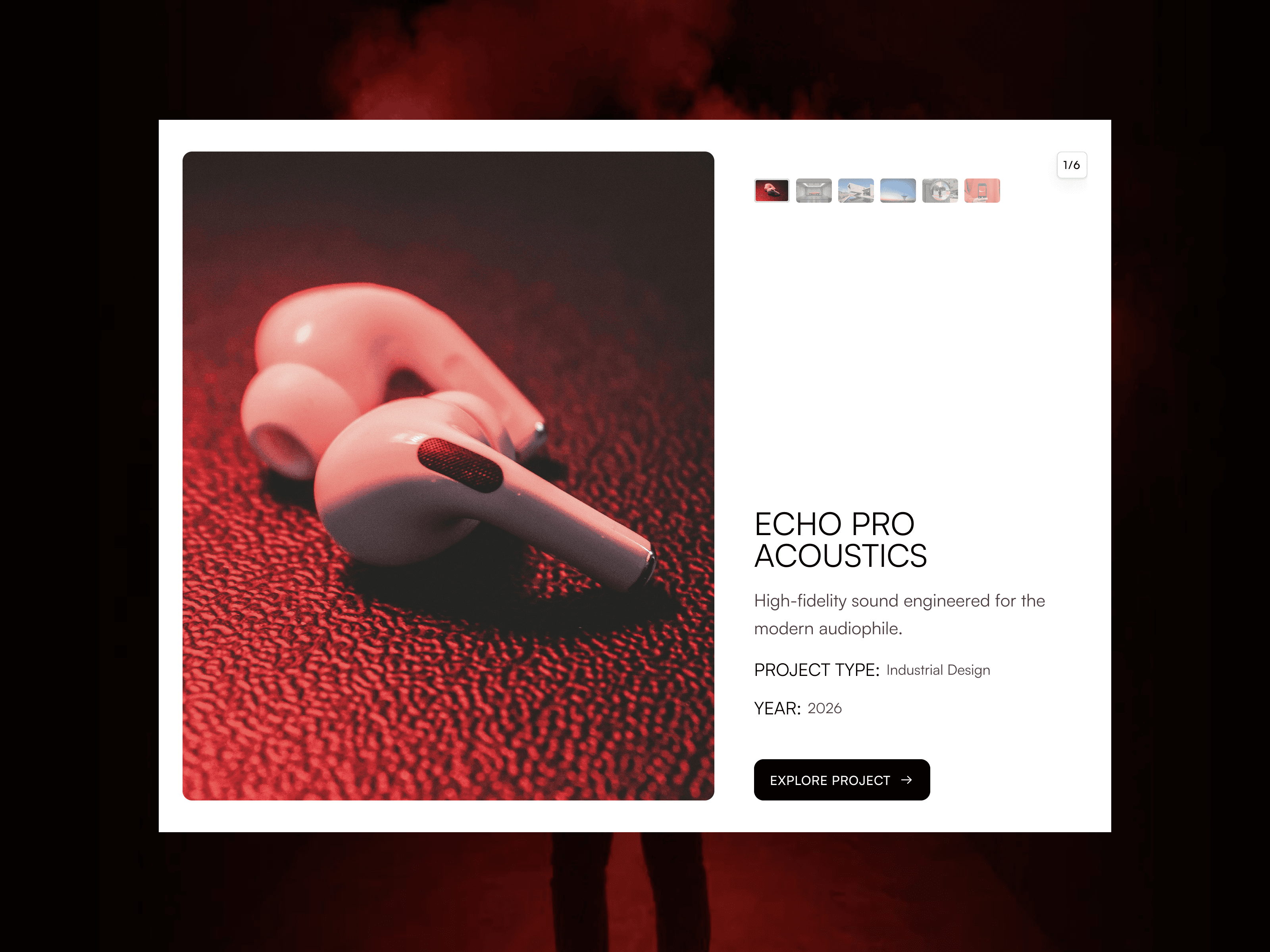
The component features a bold split-screen architecture. On the left, high-resolution imagery smoothly expands and transitions, while the right side anchors your synchronized typography, specifications, and thumbnail navigation. It comes pre-built with 6 customizable slides, making it the perfect presentation layer for tech products, automotive showcases, and creative portfolios.
Ideal for:
Industrial Design & Tech Showcases
Automotive & Luxury Goods
Creative Agency Portfolios
Editorial Landing Pages
Key Features:
Dynamic Split-Screen: A highly editorial layout that perfectly balances large-scale imagery with descriptive typography.
Expanding Image Interactions: Buttery-smooth motion design that expands your active image for maximum visual impact.
Thumbnail Navigation: Elegant, integrated thumbnail controls for quick and intuitive browsing.
Smart Responsiveness: Automatically transforms from a sleek horizontal split on desktop to a highly optimized, vertical stacking layout on tablet and mobile.
Content Ready: Includes 6 dedicated slide slots, perfect for deep-dive product tours or high-ticket portfolio pieces.
All-Access Bundle
Own the entire collection.
Get the complete CraftVra library of Framer templates and components, save money, and build high-end websites faster.
The Process
From purchase to published.
We’ve removed the friction from web design. Launch a high-end, production-ready site in three simple steps.
01
Choose your foundation.
Select a premium template that aligns with your brand's ambition. Every layout is engineered from the ground up to give you a massive head start.
02
Customize in seconds.
Open the remix link and make it yours. Seamlessly swap out typography, brand colors, and content using Framer’s intuitive visual canvas. No code required.
03
Publish and convert.
Hit publish to go live instantly on your custom domain. Start welcoming traffic to a breathtaking website that is built to drive real revenue.